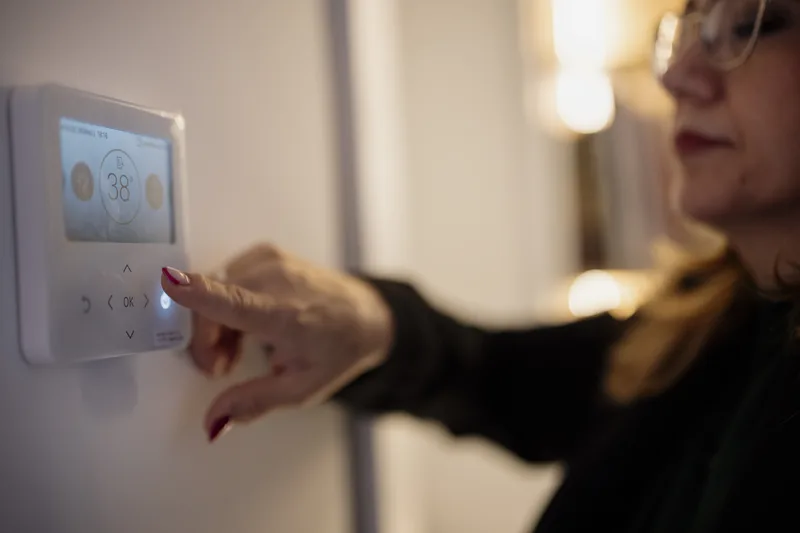
Smart cameras, doorbells, TVs, and plugs can expose your home network. How to secure smart home devices with strong accounts, updates, and a separate IoT network.
The average household now has dozens of connected devices: security cameras, video doorbells, smart TVs, speakers, thermostats, plugs, robot vacuums, and appliances. Each one is a small computer connected to your home network and, usually, to a cloud account. Most are built to be convenient rather than secure, and many receive updates for only a few years. A compromised camera can expose video of your home, and a compromised device on the same network as your laptop can become a foothold for attacks. Fortunately, a handful of habits make a smart home dramatically safer.
Secure the Accounts First
For most smart devices, the cloud account is a bigger risk than the device itself. If someone logs into your Ring, Nest, Arlo, Wyze, or Blink account, they can watch your cameras and see when you are away. Use a unique, strong password for every smart home account, stored in a password manager, and turn on two-step verification for each one. Review which family members and guests have shared access, and remove anyone who no longer needs it, such as a former house sitter or contractor.
Change any default passwords on devices that have their own login, such as network video recorders, older IP cameras, and smart hubs. Default credentials are published online and scanned for constantly. Remove devices from your account when you sell or dispose of them, and perform a factory reset so the next owner cannot access your account or Wi-Fi password.
Put Smart Devices on Their Own Network
Most modern routers and mesh systems let you create a separate guest or IoT network. Connect cameras, TVs, plugs, speakers, and appliances there and keep computers and phones on the main network. If a smart device is compromised, it cannot easily reach the laptop where you do online banking. This is the single most effective technical step for smart home security. Our guides to home router security and mesh Wi-Fi explain how to configure it.
Some devices need to be discovered by your phone, such as Chromecast or AirPlay speakers, and may not work across separate networks without extra configuration. For those, consider keeping them on the main network and focusing isolation on cameras, plugs, appliances, and other devices you rarely interact with directly.
Keep Firmware Updated and Retire Abandoned Devices
Turn on automatic updates in each manufacturer's app, and check monthly for devices that do not update themselves. When buying, prefer established brands that publish how long they will provide security updates. Devices that no longer receive updates, which is common for cheap off-brand cameras and plugs after a year or two, should be replaced. Matter-certified devices are a good choice for new purchases because they use a common standard with modern security and work across Apple Home, Google Home, Amazon Alexa, and SmartThings.
Disable features you do not use. Turn off UPnP on your router, which lets devices open ports to the internet automatically. Disable remote access on devices that do not need it, and turn off microphones on cameras placed in private areas.
Cameras and Doorbells Deserve Extra Care
Security cameras are the most privacy-sensitive devices in a smart home. Avoid placing indoor cameras in bedrooms and bathrooms, and use privacy modes or schedules that disable indoor cameras when someone is home. Choose systems that offer end-to-end encryption for video where available, or local recording to a network video recorder so footage does not depend on a cloud service. Wired cameras with local recording are generally more reliable and harder to disable than battery Wi-Fi cameras, as discussed in our wired vs. wireless security cameras guide. For smarter alerts with fewer false alarms, see our article on AI security cameras.
Point outdoor cameras at your property rather than into neighbors' windows or yards, and check local rules and HOA guidelines. Clear signage is a deterrent in its own right and is good practice.
Frequently Asked Questions
Can smart home devices be hacked?
Yes. Smart devices with default passwords, outdated firmware, or weak cloud accounts can be compromised. Strong unique passwords, two-step verification, automatic updates, and a separate IoT network greatly reduce the risk.
Should smart devices be on a separate Wi-Fi network?
Yes, when possible. A separate guest or IoT network keeps cameras, plugs, TVs, and appliances away from computers and phones, so a compromised device cannot easily reach your sensitive data.
Are wired security cameras more secure than wireless?
Generally, yes. Wired cameras with local recording cannot be knocked offline by Wi-Fi jamming or dead batteries, and keeping footage on a local recorder reduces dependence on cloud accounts.
What is Matter in smart home devices?
Matter is an industry standard that lets smart home devices from different brands work together across Apple Home, Google Home, Amazon Alexa, and SmartThings, with modern security built in. It is a good choice when buying new devices.
If you want help setting up a secure smart home, installing wired security cameras, or separating smart devices onto their own network, HelpTek provides smart home and security camera installation across Albuquerque and Santa Fe. Contact us for a home technology consultation.